AI adoption
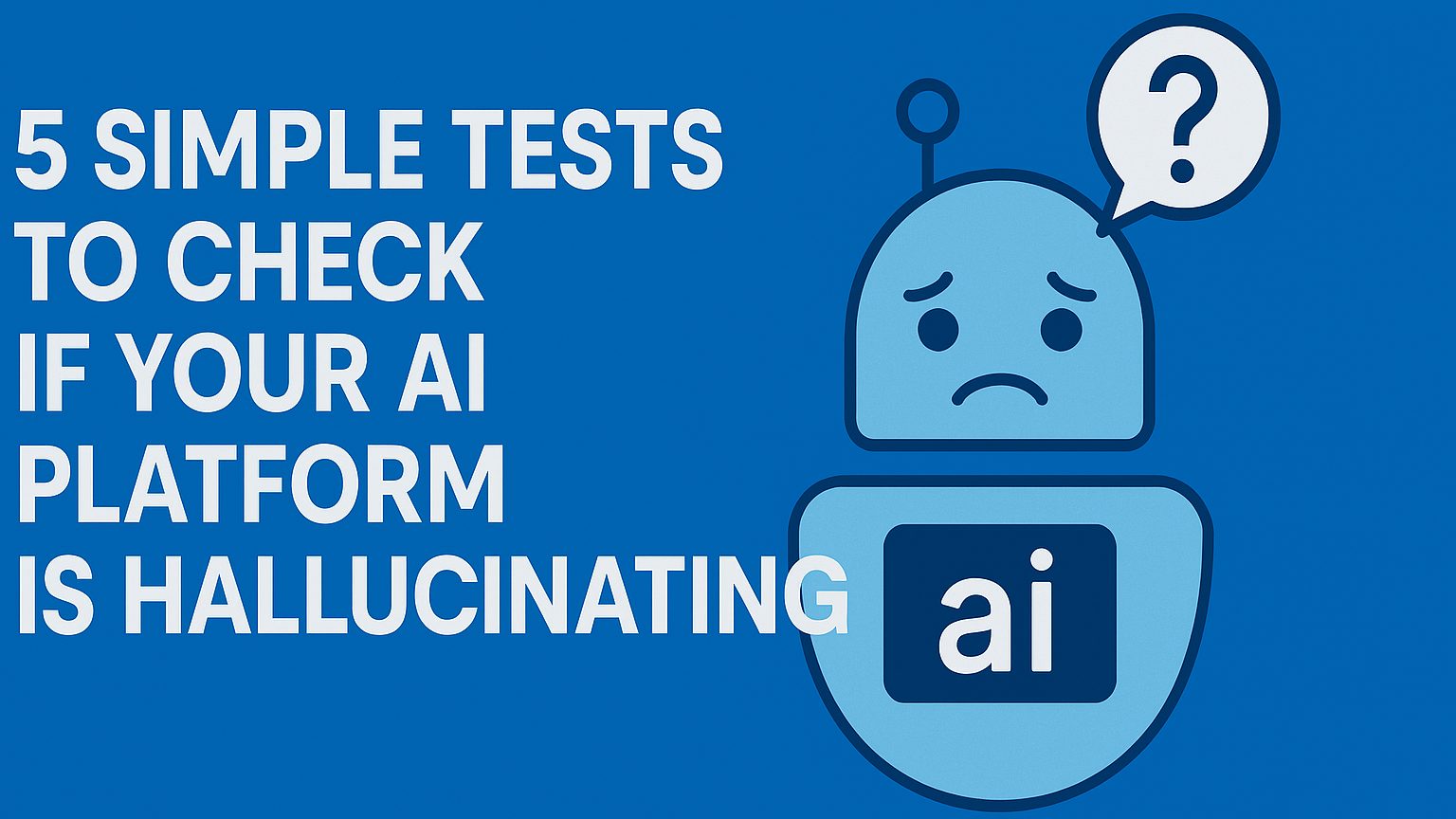
5 Simple Tests to Check If Your AI Platform Is Hallucinating
Most AI platforms sound confident — even when they’re completely wrong. Here are five quick tests anyone can run to check whether an AI tool is accurate... or hallucinating confidently.
Test 1 — Ask for a Source and Verify It
Ask the AI to provide:
- a specific URL
- a research paper
- a real-world reference
Red flag: The link looks real but doesn’t actually exist.
(80% of hallucinations show up in fake references.)
Test 2 — Ask the Same Question Twice
Hallucinating models often:
- change the answer
- introduce new “facts”
- contradict themselves
Stable models stay consistent unless asked for variations.
Test 3 — Provide a Wrong Fact and See If It Corrects You
Example: “Is Dubai the capital of the UAE?” Accurate AI gently corrects you. A hallucinating model goes along with you.
Test 4 — Ask for Step-by-Step Reasoning
When asked to show the steps, hallucinating tools:
- skip logic
- produce inconsistent steps
- reveal contradictions
Reasoned outputs show reliability.
Test 5 — Ask It to Say ‘I Don’t Know’
Strong AI models will openly admit when they don’t have information. Weak ones invent an answer instead of saying “I don’t know.”
Why This Matters
In cybersecurity, strategy, marketing, or even everyday business decisions, an AI hallucination can:
- distort data
- mislead your customers
- impact financial decisions
- hurt credibility
Simple tests like these ensure you're using AI confidently and responsibly.
Article in collaboration with Microsoft Copilot